
A reliable youtube content calendar turns random uploads into a channel system. Use this as a youtube content planner, set a sustainable youtube upload schedule, build a broader video content calendar, and copy a practical youtube planning template.

Choose a cadence you can film
- New channels: 1 long-form / week OR 3 shorts / week
- Growing channels: 1 long + 2–4 shorts
- Advanced: series-based calendars
YouTube planning template columns
Publish date | Title | Hook | Script status | Film date | Edit status | Thumbnail | SEO keywords | CTA | Status
30-day video content calendar example
Week1 teach, Week2 story, Week3 tools, Week4 experiment/collab. Mix long-form and shorts that share packaging.
Title/thumbnail batching
Write 10 title options before filming. Design thumbnails in one session. Packaging is part of the calendar, not an afterthought.
Upload schedule tips
- Same weekday trains audience habit
- Premiere selectively
- Prepare community posts around upload day
Final takeaway
Run your channel with a real youtube content calendar, operate a living youtube content planner, lock a humane youtube upload schedule, treat it as your video content calendar, and standardize on a youtube planning template.
At The Vibe Developers, video plans are production plans—not wishlists.
FAQ
How far ahead to plan YouTube? Outline a month; fully produce 2 weeks ahead.
Shorts or long-form first? Match your strength; many grow with both linked together.
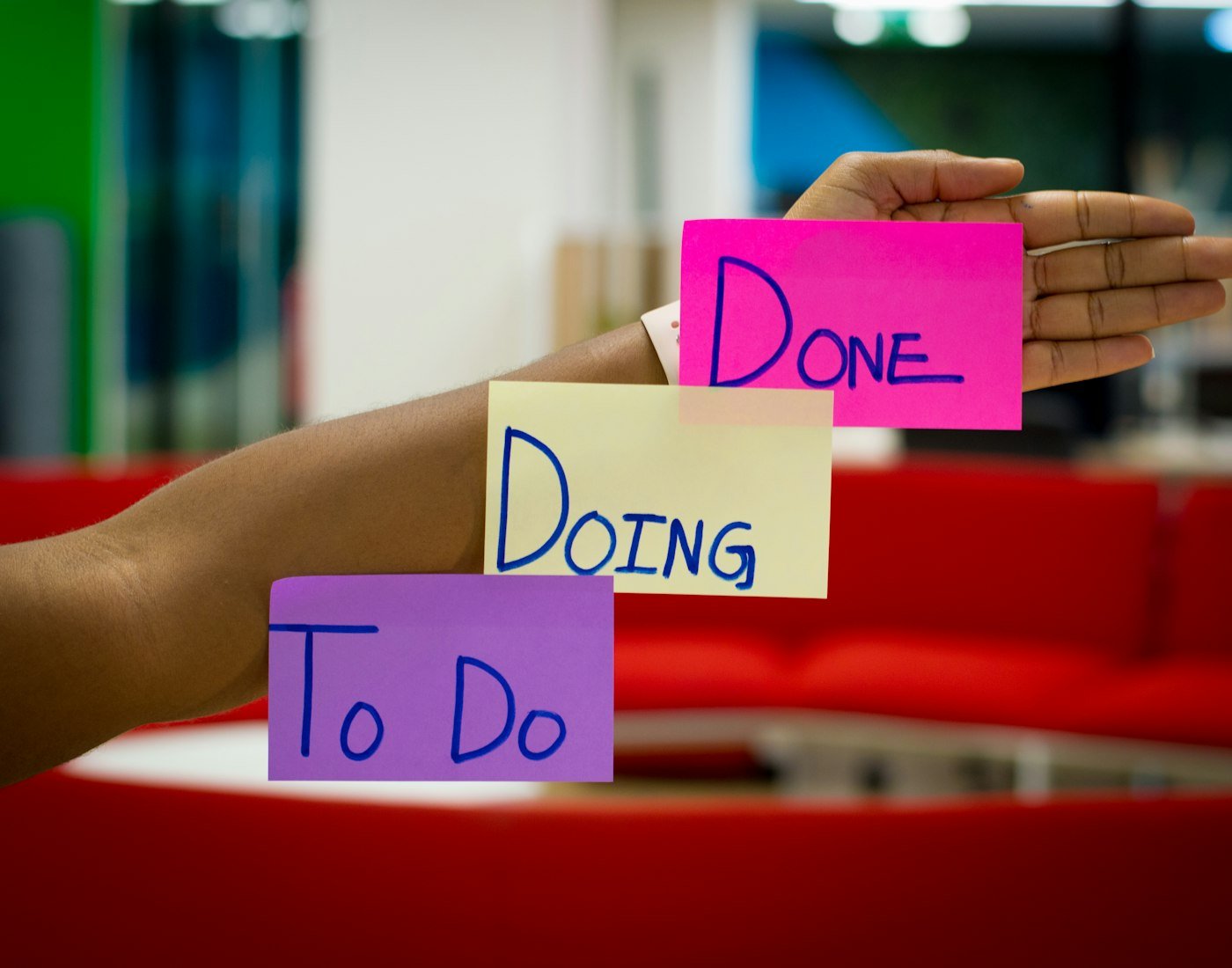
Track ideas → validated topics → produced → published stages as a funnel. If ideas pile up but production stalls, your bottleneck is filming, not ideation—adjust the calendar accordingly.
Leave a Reply